



Flagshipproduction
Document archive AI: OCR, search and chat with data

Problem
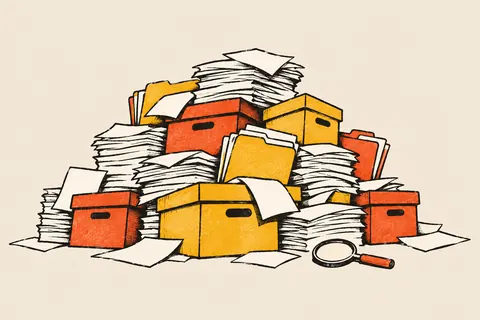
The company had to move a very large document archive off a legacy commercial system, and the team built its own platform to do it. The PDFs' own text was too poor to search.
Approach
The team built the platform. My part was three features, each tested with a test set before or right after launch:
- I checked whether the PDFs' own text layer was good enough. It was not, so OCR stayed the text source for the whole archive.
- I built the fixed ranking tiers behind the single search box.
- I gave the in-app assistant tools that read pages under each user's access rights, plus a check on every citation it makes.
Result
OCR of the whole archive
- Wrote the Python OCR worker. It has OCR'd 65.5M unique page images, and because one file can belong to several documents, 67.7M document pages now carry OCR text (Nov 2026).
- The archive backfill finished on 18 Oct 2026 with 10 pages left failed.
- If the OCR engine can't be reached, the page goes back to the queue without using a retry. If the GPU fails mid-request, a circuit breaker stops the worker after a few pages, so the queue isn't burned.
- The backfill once stalled for ~8 h (8 Oct 2026); that fix landed the same day.
- PDF parsing runs as its own locked-down process: separate user, no network, 3 GB memory cap.
- Measured before deciding: the PDFs' own text layer passed a rule-based quality check on only 2% of ~162K sampled pages.
One search box over every document field, Google-style
- One box searches structured fields (contract number, name, document type) and the OCR text. Results come back in 7 fixed tiers: exact code → person name → field text → contract digits → near-miss name → contract prefix → OCR page content. Exact matches always rank first.
- Typos: with one letter missing from a first name or surname, the same person's documents were in the top 10 for 50 of 50 test queries (the exact document: 27–30 of 50).
- Contract number + document type typed together: the right document in the top 10 for 80 of 80 test documents, up from 0. Live since 3 Nov 2026.
- Heaviest search case at 8 concurrent users: p95 1,008 → 681 ms by capping highlight work, passing 9 of 10 runs; 0.77% of documents lose their text snippet.
- OCR text search is on in the normal search box since 29 Oct 2026.
- OpenSearch cluster stood up from a script kit of 104 files with 200 test functions.
Chat with data: ask questions and get answers that cite the page
- The team started the in-app AI assistant. I built its document side:
- a tool that reads OCR pages under the user's access rights
- full-text search across the archive for its search tool, built and tested, behind a feature flag that is not yet on in production (Nov 2026)
- Citation check: every page and line the model cites is checked against what it actually read. Citations it cannot back are removed, and the user is told.
- Clicking a citation opens the cited page with the source lines boxed on the scan.
- Thai test set of 45 questions with known answers, run on production in Sep 2026: 93.3% on the first run, then 100% with 0 made-up citations after a duplicate-name fix.
- Confirmed the model choice by eval: two self-hosted models tied on quality over the same 45 questions, and the chosen one answered 2.7× faster (median 2.6 s vs 7.1 s).
- I wrote about 19% of the assistant's back-end code (1,400 of 7,479 surviving lines, Nov 2026).
Impact
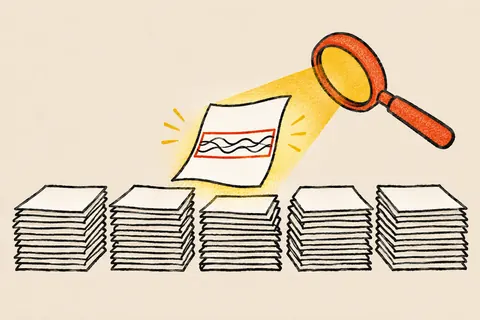
As of Nov 2026, one box finds a document by contract number, name or a phrase on the page, and the assistant's answers open the exact page they cite.
Stack Python · OpenSearch · PostgreSQL · NestJS / Fastify · React · LLM tool calling · Kubernetes · GitLab CI